Client portal

One dashboard forsite, ads, system

One dashboard for every service running. Access is handed over once the site is published or the service goes live, and site monitoring can be fitted on its own to any site.

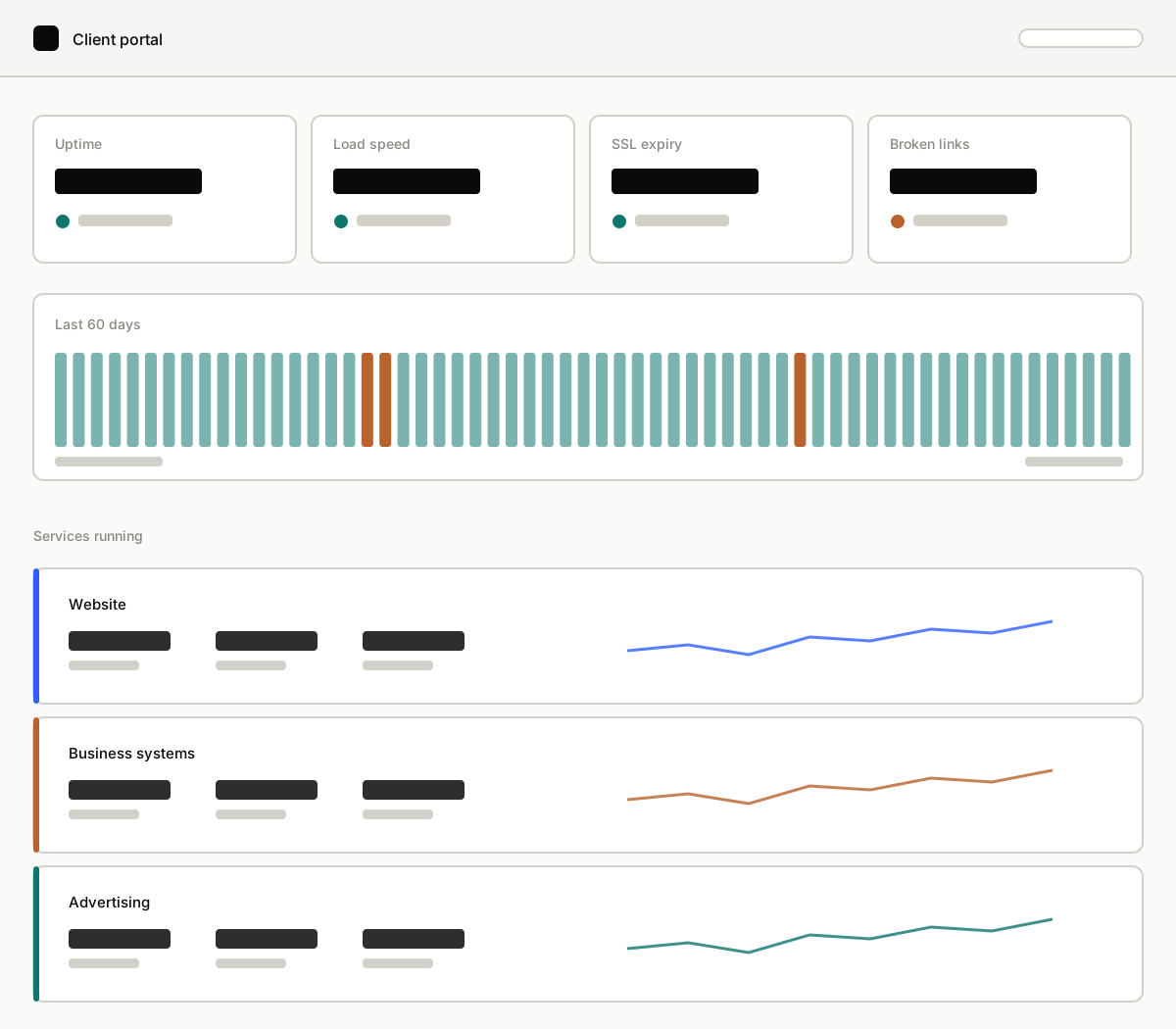
The client portal: site health cards, a 60-day history, and a summary per service.
Access
Once the site or service is live
Contents
Follows the work running
Site monitoring
Stands on its own

What is in it

Three kinds of monitoring, one dashboard.

Each service has its own part of the same dashboard, with the contents and the availability set out below.

Site monitoring

Available for any site, including one built by someone else. The first inspection and the setup are quoted separately, and repairs are priced per item.

The state of the site is checked from outside on a schedule, and the history is kept, so what shows is the change over time rather than only today's reading.

  • Uptime
  • Load speed
  • SSL expiry
  • Domain expiry
  • Broken links
  • Visits and their sources

Business system monitoring

Available to clients whose system was built with Sonattra, and included in the monthly maintenance.

Operational figures are read straight out of the running system, so what shows on the dashboard is the same data the staff are working from that day.

  • Incoming orders
  • Production status
  • Stock position
  • Work ready to invoice
  • User activity
  • Change history

Advertising monitoring

Available to Growth clients, for as long as a managed term is running.

Campaign figures are read straight from the ad account while a term is running, including the cost per enquiry rather than just the click count.

  • Daily spend
  • Clicks and impressions
  • Cost per click
  • Enquiries received
  • Cost per enquiry
  • Top keywords

Sites built by someone else

Fitting monitoring to a site that already exists.

  1. 01

    First inspection

    The site is checked thoroughly: load speed, security, domain and SSL expiry, and any links already broken. What comes out is one clear list with a price per item, so the decision is made from a complete picture.

    What we need
    Access to hosting, domain and site
    Typically
    A few days
  2. 02

    Setup

    Monitoring is fitted and runs by itself: scheduled checks from outside, a connection to analytics, and a portal page for that site. After this stage the state of the site can be seen at any time without asking.

    What we need
    Analytics access, if it exists
    Typically
    A few days
  3. 03

    Repairs

    Findings are worked through in priority order and priced per item, which keeps the budget under control. Every finding stays on the portal until it is closed, so none of them gets lost.

    What we need
    A decision on the list of findings
    Typically
    Follows the list
  4. 04

    Ongoing monitoring

    The site is checked continuously. The moment it drops, slows down or nears an expiry date, a notification goes out along with the fix and its price, often before a customer has noticed anything.

    What we need
    A contact number for notifications
    Typically
    Per term

Let's build your foundation.

Tell us what you're building, we'll take it from there.

Start a project →